- Go to your Conference Admin Panel

PROCONF Admin Panel Login
2. Click on Top Menu in PROCONF Admin panel Dashboard

PROCONF Admin Dashboard Click
3. Click on Committee members selection

committee-members-selection-link-on-dashboard-in-proconf
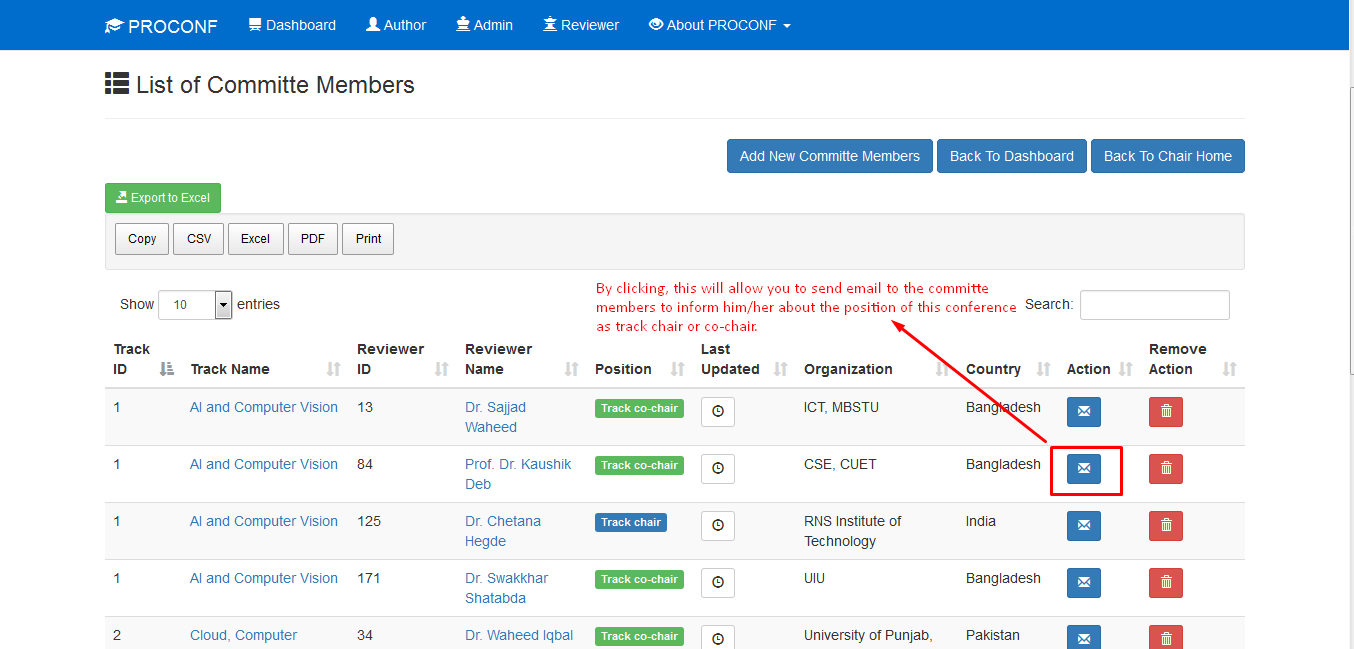
4. Send the confirmation emails to the track chairs or co-chair
way 1 – At the time of add committee members

send-confirmation-email-to-committe-members-about-his-her-postion-from-add-com-members-in-proconf
way 2 – existing committee members

send-confirmation-email-to-committe-members-about-his-her-postion-in-proconf
Comments